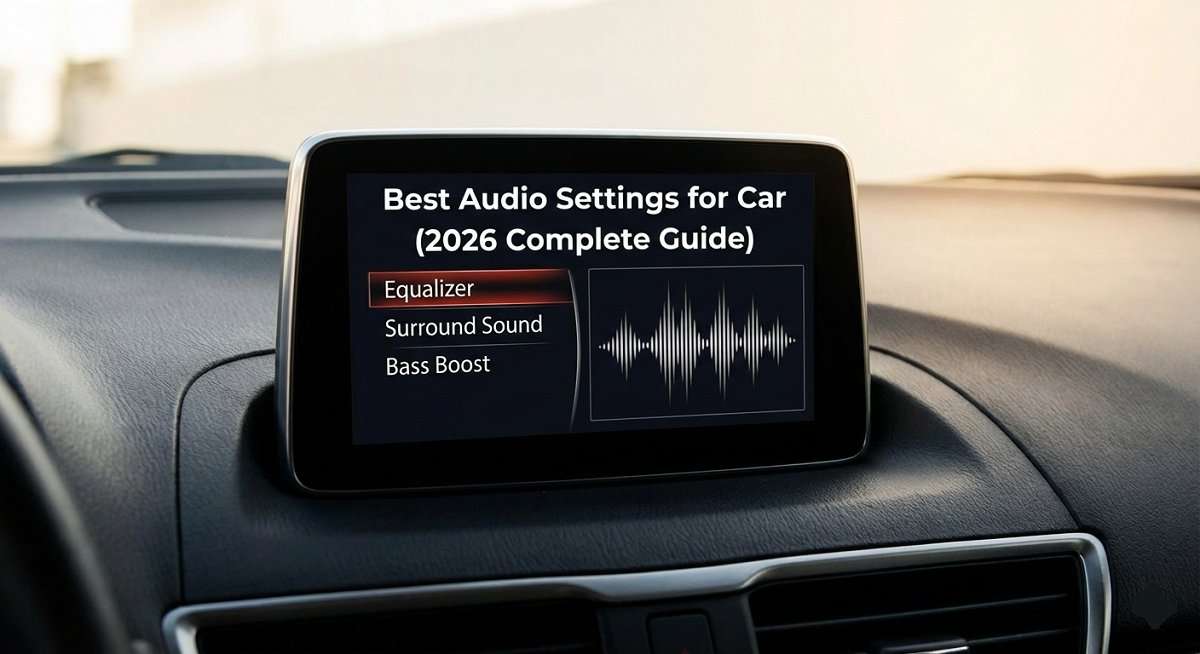
Finding the best audio settings for your car can be the difference between a flat, lifeless commute and a crystal-clear concert experience, without buying a single new component. Most drivers leave 70–80% of their car audio system’s potential untapped simply because they’ve never touched the settings.
In this guide, we’ll walk you through every key adjustment from EQ and bass settings to time alignment and crossovers, so you can unlock the full potential of whatever system you have, whether it’s stock or fully custom. These are the exact settings professional installers use, and you can apply them today.
Understanding Your Car’s Audio System Components
Before diving into the best audio settings for your car, it helps to understand what each component actually does. Each part of the chain affects your final sound:
- Head Unit: Your dashboard stereo, the control center for your entire system.
- Amplifier: Boosts the audio signal to power your speakers with clean, loud output.
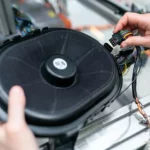
- Speakers: Convert electrical signals into sound waves. Position and quality matter greatly.
- Subwoofer: Dedicated to low-frequency bass reproduction (20–80 Hz range).
- Digital Signal Processor (DSP): Found in advanced setups; allows precise frequency shaping and time alignment.
The settings you apply work across all these components together. Even a modest factory system can sound dramatically better with the right adjustments.
Essential Audio Settings for Car Sound Systems
These are the foundational controls that every car audio system has. Start here before moving to advanced options.
1. Balance and Fade Controls
These are the most basic settings but often the most overlooked:
- Balance: Controls audio distribution between the left and right speakers.
- Fade: Controls distribution between front and rear speakers.
Pro Tip: Start both settings perfectly centered. Then nudge fade slightly toward the front (about 10–15%) to create a more natural, stage-like soundstage for the driver’s seat.
2. Equalizer (EQ) Settings, The Core of Car Audio
The EQ is the single most powerful tool for improving car audio. The best EQ settings for your car depend on your speakers, cabin acoustics, and taste, but here’s a reliable starting framework:
- Bass (20–250 Hz): Controls kick drums, bass guitar, and sub frequencies
- Midrange (250–2,000 Hz): Affects vocals, guitars, and most instruments
- Treble (2,000–20,000 Hz): Shapes cymbals, hi-hats, and high-frequency detail
Recommended baseline EQ for most car audio systems:
- Sub-bass (40–60 Hz): +2 to +3 dB (add body without muddiness)
- Bass (80–200 Hz): +2 to +4 dB (warmth and impact)
- Low-mid (200–500 Hz): 0 to -1 dB (reduce boominess)
- Mid (500 Hz–2 kHz): 0 to +1 dB (keep vocals clear)
- Upper-mid (2–5 kHz): +1 to +2 dB (presence and intelligibility)
- Treble (5–10 kHz): +1 to +2 dB (air and clarity, not harshness)
Important: Always make changes in small increments of 1–2 dB. Dramatic boosts lead to distortion and listening fatigue.
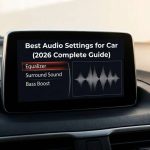
3. Sound Enhancement Features
Modern head units offer extra processing options. Here’s how to use them wisely:
- Loudness: Boosts bass and treble at low volume. Useful at quiet listening levels; turn off at high volumes.
- Sound Stage / Sound Field: Creates virtual speaker positioning. Try it, but trust your ears, not every car benefits.
- DSP Presets (Concert, Stadium, etc.): Use as a starting point only. Custom settings will always beat presets for your specific car.
Best Car Audio Settings for Bass, Vocals and Clarity
These are the three most common things people want to improve. Here’s how to target each one directly:
Maximizing Bass
To get the best bass settings for your car without sacrificing clarity:
- Set subwoofer low-pass filter to 80 Hz
- Boost 60 Hz by +3 to +4 dB on your EQ
- Keep 200 Hz slightly cut (-1 dB) to prevent muddiness
- Verify subwoofer phase, flip it if bass sounds weak
- Keep bass boost on the head unit below +6 dB to protect speakers
Improving Vocal Clarity
Vocals live primarily in the 800 Hz–3 kHz range. To bring them forward:
- Boost 1–2 kHz by +2 dB for presence
- Nudge fade slightly toward the front speakers
- Cut excessive bass if it’s masking vocal frequencies
- Avoid heavy reverb/stadium presets, which smear vocal detail
Getting Crisp, Detailed Highs
For sparkle without harshness:
- Boost 8–10 kHz by +1 to +2 dB for air and detail
- If highs sound harsh or fatiguing, cut 3–5 kHz slightly
- Ensure treble is not clipping, back off overall volume if needed
Advanced Optimization Techniques
Time Alignment
This is one of the most underused features in car audio. Since your speakers are at different distances from your ears, sound reaches you at slightly different times, which blurs the stereo image. Time alignment corrects this digitally.
- Measure the distance (in cm or inches) from your head to each speaker
- Enter those measurements into your head unit’s time alignment menu
- Play a mono track and listen, the sound should feel centered and focused in front of you
- Adjust by ear until the imaging locks in
Crossover Settings
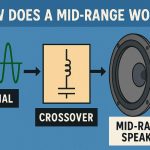
Crossovers make sure each speaker only handles the frequencies it’s designed for, this reduces distortion and greatly improves clarity:
- High-pass filter on door/dash speakers: Set to 80–100 Hz. This prevents small speakers from trying to reproduce bass they can’t handle.
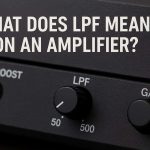
- Low-pass filter on subwoofer: Set to 80–120 Hz. Keeps the sub focused on deep bass only.
- Overlap: Keep a slight overlap between crossover points (e.g., speakers at 80 Hz HP and sub at 100 Hz LP) for smooth blending.
Best EQ Settings for Car Audio by Genre
Different music styles require very different EQ approaches. Use this cheat sheet as a starting point, then fine-tune by ear:
|
Genre |
Bass (Low) |
Midrange |
Treble (High) |
|---|---|---|---|
|
Rock / Metal |
+2 to +4 dB |
+3 to +5 dB |
+1 to +2 dB |
|
Hip-Hop / Electronic |
+5 to +7 dB |
-1 to 0 dB |
0 to +1 dB |
|
Classical / Jazz |
0 to +1 dB |
0 to +1 dB |
+2 to +3 dB |
|
Pop |
+2 to +3 dB |
+1 to +2 dB |
+2 to +3 dB |
|
Podcasts / Audiobooks |
-2 to 0 dB |
+3 to +5 dB |
0 to +1 dB |
Tip: Save each genre as a custom preset in your head unit so you can switch instantly. Most modern head units support 3–6 saved presets.
Troubleshooting Common Car Audio Problems
Distortion at Higher Volumes
- Reduce bass EQ boost, excessive bass is the #1 cause of distortion
- Keep volume below 80% of maximum
- Check for loose wiring or blown speaker
- Lower the gain on your amplifier if installed
Weak or Boomy Bass
- Check subwoofer connections and verify phase is set correctly
- Ensure low-pass crossover isn’t set too high (over 120 Hz sounds boomy)
- Add a slight boost at 60 Hz rather than 120 Hz for tighter bass
Muffled or Unclear Vocals
- Boost 1–2 kHz range by +1 to +2 dB
- Cut 200–300 Hz slightly to reduce muddiness
- Adjust fade toward front speakers
- Turn off bass-heavy presets that mask midrange
Too Much Road Noise
- Boost upper-mid frequencies (2–4 kHz) slightly, they cut through road noise better
- Enable automatic volume adjustment (if your head unit has this feature)
- Consider sound deadening material on doors as a longer-term fix
Maintenance Tips for Long-Term Best Car Audio Settings
The best audio settings for your car need to be maintained over time as your system changes:
- Periodically re-check and re-tune after speaker replacements or upgrades
- Keep speaker grills and surfaces free of dust and debris
- Update firmware on digital head units and DSP processors, manufacturers often push audio improvements
- If your car develops road noise over time, revisit EQ settings before assuming hardware failure
- Consider professional calibration (using an RTA mic) for high-end systems, it’s a one-time investment that pays off
Conclusion
The best audio settings for your car aren’t found in a factory preset, they’re dialed in through a combination of smart EQ tuning, correct crossover points, balanced staging, and a bit of patience. Whether you’re working with a stock head unit or a premium aftermarket setup, the framework in this guide will help you extract maximum performance from every component in your system.
Start with the basics (balance, fade, EQ baseline), then layer in the advanced techniques (time alignment, crossovers) once the foundation is solid. Always trust your ears, what sounds right to you in your car is right.
Frequently Asked Questions (FAQs)
Begin by centering balance and fade, then set your EQ to flat (all bands at 0). From there, add a gentle bass boost of +2 to +3 dB and a slight treble lift of +1 to +2 dB. Make incremental changes and listen with familiar music before moving to more advanced settings.
There is no single ‘best’ EQ, it depends on your speakers, car cabin, and music taste. However, a great all-around starting point is: slight bass boost (+2 to +4 dB at 60–80 Hz), flat or slight cut in the low-mids (200–500 Hz), and a gentle treble lift (+1 to +2 dB at 8–10 kHz) for clarity.
A good rule is to boost bass until you can feel it without it overwhelming other frequencies. For most systems, this is +2 to +4 dB from neutral. Set your subwoofer low-pass filter at 80 Hz and avoid going above +6 dB on any single bass band.
Presets are a useful starting point but are rarely optimal for your specific car, speakers, and listening position. Use them as a base and make custom adjustments for the best results. Most head units allow you to save your own presets, use them.
Yes. Excessive bass boost combined with high volume is the most common way to damage speakers, especially factory ones. Always adjust settings at moderate volume and be conservative with bass boost if you have stock speakers.
Once you’ve dialed in your ideal settings and saved presets per genre, you shouldn’t need to change them frequently. Revisit after any hardware change (new speakers, amp, or head unit) or if you notice the sound has changed due to road noise or component aging.
Both matter. Even premium speakers sound mediocre with poor settings, while optimized settings can substantially improve basic speakers. Ideally, upgrade your speakers first for a hardware foundation, then invest time in optimizing settings. The combination always beats either alone.
Boost upper-mid frequencies around 2–4 kHz slightly, as these cut through road noise more effectively. If your head unit has speed-sensitive volume adjustment, enable it. For a permanent fix, sound deadening material applied to doors and floor panels is the most effective solution.